

Table of Contents
- First, Identify What Your Light Is Doing
- Common Reasons Your Light Turns On by Itself
- 1. A Schedule or Automation Is Still Active
- 2. Power Was Interrupted and Restored
- 3. The Motion Sensor Is Detecting Something You Have Missed
- 4. A Dusk-to-Dawn Sensor Is Responding to Changing Light
- 5. Another Remote Is Controlling the Light
- 6. The LED and Its Control Are Incompatible
- 7. A Switch, Connection, or Electronic Component Is Failing
- 8. Outdoor Moisture Has Affected the Installation
- How to Narrow Down the Cause
- When to Call an Electrician
- FAQs
A light that turns on by itself may be responding to a timer, a smart-home routine, a motion sensor, or restored power after a brief interruption. Remote-control pairing problems and faulty electrical components can also cause unexpected activation. The right explanation depends on how the light is powered and controlled.
Before replacing anything, identify what actually happens: does the light switch fully on, flicker briefly, or produce a faint glow after being switched off? These symptoms point to different problems and require different solutions.
First, Identify What Your Light Is Doing
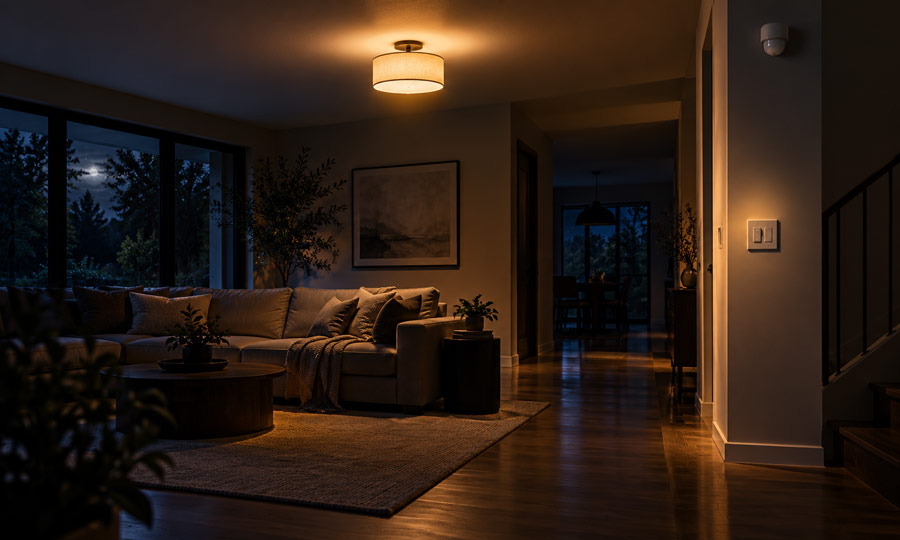
A light suddenly illuminating a room is different from an LED glowing softly in the dark.
An LED that glows when switched off may be receiving a tiny current through an electronic switch or dimmer. That does not necessarily mean the light has received an ON command. Intermittent flashing can also result from an incompatible control.
Use the light’s control system to choose where to begin:
| Your lighting setup | First thing to check |
|---|---|
| Smart bulb or smart switch | Schedules, routines, scenes, and shared controls |
| Remote-controlled ceiling fan light | Remote pairing and unintended commands |
| Outdoor motion sensor light | Detection range, sensitivity, and operating mode |
| Dusk-to-dawn garden light | Light sensor exposure and surrounding illumination |
| Landscape lighting system | Timer settings and the shared controller |
| Conventional light with a mechanical switch | Bulb, switch, fixture, and electrical condition |
The timing also matters. A light that activates at a predictable time suggests a programmed trigger. A light that comes on after an electrical interruption suggests power-restoration behavior. Unpredictable activation accompanied by heat, noise, or persistent flickering needs electrical investigation.
Common Reasons Your Light Turns On by Itself
1. A Schedule or Automation Is Still Active
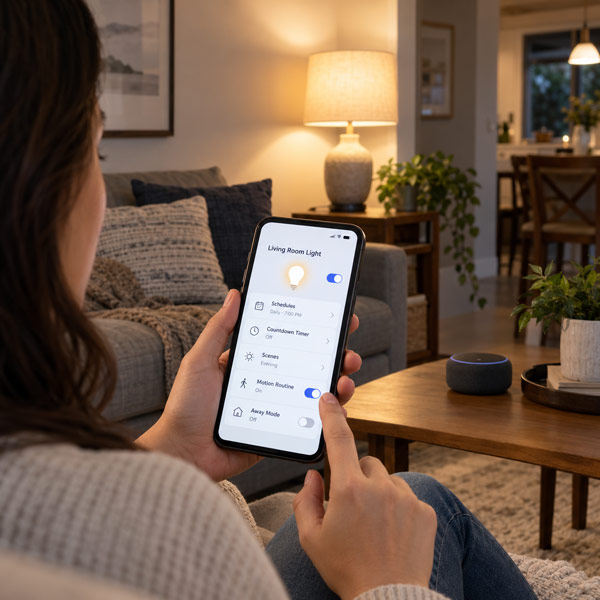
A forgotten schedule can make a working light appear faulty. Smart lighting may respond to a morning routine, a sunset event, an arrival trigger, or a security setting that simulates occupancy.
Start with the light’s own app, then check any connected hub, voice-control app, or security system. A light can receive commands from more than one place, so checking only one app may miss the trigger.
Look for:
- Recurring ON schedules.
- Countdown tasks.
- Room or whole-home scenes.
- Motion-triggered routines.
- Arrival and departure settings.
- Randomized away-mode operation.
Temporarily disable suspicious rules individually and observe the result. Official lighting support guidance specifically recommends checking scheduled, automated, and countdown tasks when lights activate unexpectedly.
For outdoor installations, check the landscape lighting timer as well as the app. A physical timer may still control the system even when no smart routine appears active.
2. Power Was Interrupted and Restored
Some electronic lights turn on when electricity returns, even if they were previously switched off through an app or remote.
A short interruption can restart the light’s controller. When power returns, the device follows its configured startup behavior, which may differ from the state you expected.
Check the settings for terms such as:
- Power-on behavior.
- Power-loss recovery.
- Restore previous state.
- Default state.
Where supported, choose a recovery setting appropriate for the location. A bedroom light may need to remain off after an interruption, while another installation may require a different response. Available options vary by model.
If several electronic lights activate together after a power disturbance, investigate their recovery settings before assuming every bulb has failed.
3. The Motion Sensor Is Detecting Something You Have Missed
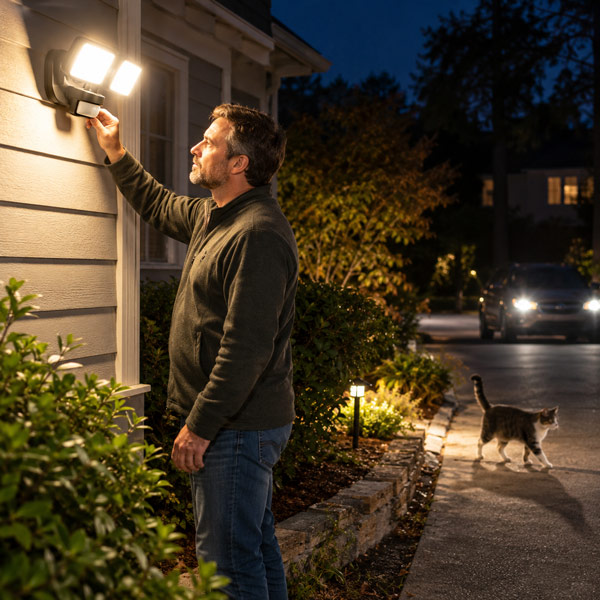
An outdoor light can activate without anyone standing directly underneath it. Its detection area may extend toward a driveway, neighboring path, or another part of the garden.
Passive infrared sensors respond to changes in infrared radiation across their detection zones. Animals, passing traffic, nearby heat sources, and excessive sensitivity can contribute to unwanted activation.
Check the sensor’s coverage from its actual mounting position. Reduce the range if it reaches beyond the area you want illuminated, and redirect it away from obvious sources of disturbance.
Also confirm that the fixture is in its normal automatic mode. Test mode can change how the light behaves, including allowing activation during daylight. Follow the model’s instructions when adjusting operating modes.
Change one setting at a time so you can identify which adjustment helps.
4. A Dusk-to-Dawn Sensor Is Responding to Changing Light
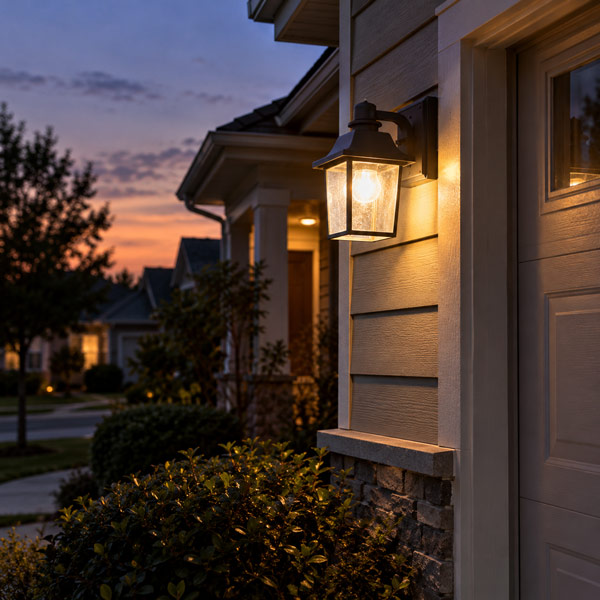
A dusk-to-dawn fixture is designed to switch on automatically when surrounding light falls below its operating threshold. That behavior may be entirely normal.
The distinction between photocell and motion sensor controls matters here: a photocell responds to ambient light, while a motion sensor responds to activity within its detection area.
Check whether the daylight sensor has become shaded, covered, or obstructed. Also consider nearby artificial lighting. In some installations, a fixture can illuminate its own photocell and interfere with normal operation.
Repeated switching around dusk can therefore be a placement or light-interference problem. Check the installation guidance before repositioning the sensor or adding any shielding.
5. Another Remote Is Controlling the Light
Remote-controlled fixtures introduce another possible command source.
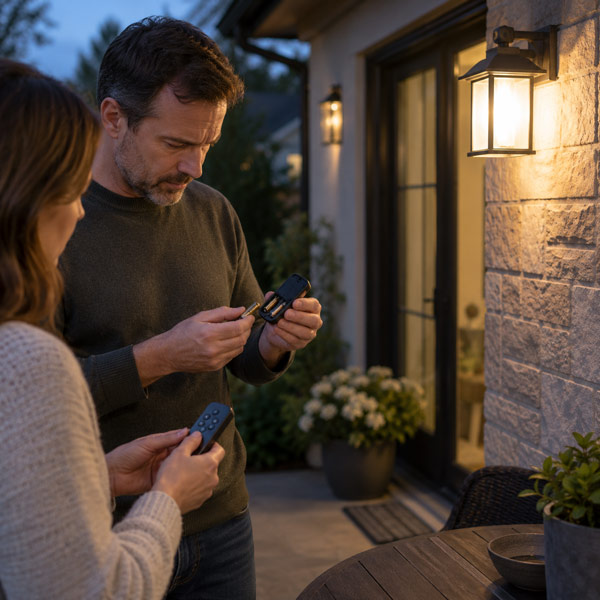
Some systems use selectable control codes, while others use an electronic pairing process. Incorrect pairing can allow one remote to operate more than one fixture. Manufacturers specifically warn that nearby powered fans can become unintentionally paired during setup.
Check whether another remote in the home operates the affected light. Inspect the intended remote for a stuck button, and temporarily remove its batteries to help rule out accidental transmissions from that handset.
If pairing needs correction, use the instructions for the exact model. Avoid applying a generic pairing sequence: different fixtures use different procedures, and some require nearby units to be powered off during setup.
6. The LED and Its Control Are Incompatible
If unexpected behavior began after changing a bulb or installing a dimmer, compatibility deserves attention.
An LED marked “dimmable” is not automatically compatible with every dimmer. A mismatch can produce flickering, unstable brightness, or poor switching performance.
Some electronic controls also pass a small current through the lighting load while apparently off. Sensitive LEDs may respond with a faint glow or occasional flashing.
Check LED and dimmer compatibility using the control manufacturer’s approved combinations and load requirements. A compatible replacement bulb may resolve the issue; changing a hardwired control should be handled by a qualified electrician.
Avoid treating a faint glow as proof that the light’s automation has switched it fully on.
7. A Switch, Connection, or Electronic Component Is Failing
When control settings do not explain the problem, a component fault becomes more relevant.
A defective switch, damaged lamp holder, failing receiver, or unstable LED driver may cause irregular operation. Loose connections more commonly produce interrupted illumination, flickering, or heat. In electronically controlled fixtures, an interruption can also restart the controller.
A conventional light that becomes fully illuminated despite its mechanical switch being off needs professional checking. A power fluctuation does not normally provide operating current through an intact, open mechanical switch.
Do not remove switch plates or open ceiling fixtures to investigate live wiring. Signs such as unexplained flickering, buzzing, discoloration, unusual warmth, or burning odors warrant inspection by a qualified electrician.
8. Outdoor Moisture Has Affected the Installation
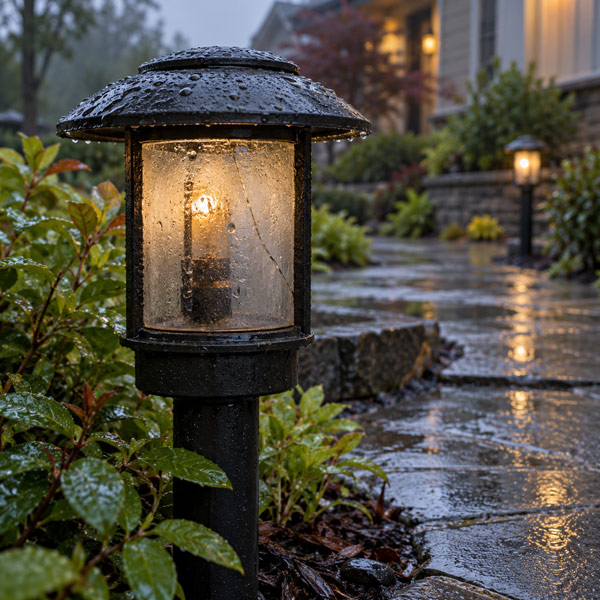
For garden and exterior lighting, note whether the problem begins after rain, irrigation, or cleaning.
Water reaching electrical connections or control components can interfere with operation. A damaged seal, cracked housing, or unsuitable connection may allow moisture into an installation that previously worked normally.
Look for visible damage from a safe position without opening electrical compartments. If water is inside a mains-powered fixture or connection enclosure, stop using the affected circuit and arrange an inspection.
Do not assume the problem is resolved simply because the light works again after drying. The entry point and any resulting damage still need attention.
How to Narrow Down the Cause
A controlled troubleshooting process gives you more useful information than changing several parts at once.
- Record the exact symptom. Note whether the light becomes fully bright, flashes, or glows faintly. Record the time, weather, and whether other lights behave similarly.
- Identify every control path. Include wall switches, remotes, timers, sensors, apps, and shared household access. For landscape lighting, include the transformer’s controls.
- Change one external setting at a time. Disable a suspected routine or adjust sensor range, then observe whether the same symptom returns. Keep a record of the original settings.
- Check a replaceable bulb only when safe. Disconnect power, allow the bulb to cool, and use a known-good replacement with the correct base, electrical rating, and control compatibility. Do not perform this test on a damaged or wet fixture.
- Use the result to guide the next step. If the behavior follows the bulb into another suitable fixture, the bulb becomes a stronger suspect. If it remains at the original location, the local controls, fixture, or supply need further investigation.
If multiple landscape lights activate together, inspect the shared control settings first. If only one fixture misbehaves, focus initially on that fixture and its individual controls.
When to Call an Electrician
Stop using the affected light and arrange professional inspection if you notice:
- Burning or hot-insulation odors.
- Sparks, crackling, or unusual buzzing.
- Hot or discolored switches and fittings.
- Repeated circuit-breaker trips.
- Shocks or tingling.
- Persistent unexplained flickering across several fixtures.
These symptoms can indicate an electrical hazard. Repeatedly changing app settings will not correct damaged wiring or an unsafe connection.
Even without those warning signs, seek professional help when a hardwired light repeatedly activates after its external controls have been ruled out.
FAQs
1. Can a Motion Sensor Light Detect Movement Through Glass?
It depends on the sensing technology. Standard passive infrared sensors generally cannot detect a person through ordinary window glass because the glass blocks the infrared radiation they rely on. Some radar sensors can detect movement through glass and certain other nonmetallic materials.
Understanding whether your fixture uses PIR or radar sensing helps explain why activity beyond a window or partition may affect one light but not another.
2. Can a Smart Light Turn On Without Wi-Fi?
Yes, depending on its design. Some smart lights store schedules in their own memory and continue executing them while powered, even without an internet connection. Certain systems also support local controls.
Disconnecting the router therefore does not reliably eliminate every automatic trigger. However, losing Wi-Fi does not universally require a smart light to turn on; its behavior depends on the device and configuration.
3. Will a Factory Reset Stop a Light From Turning On by Itself?
It may help when saved device settings or configuration are responsible. A factory reset usually clears custom settings, while a softer reset may affect only connectivity.
Follow the exact model’s instructions and record important settings beforehand. Check connected automation platforms separately, since resetting the bulb may not remove rules stored elsewhere. A reset cannot repair a defective switch, water damage, or faulty wiring.
4. Why Did My Outdoor Lights Start Turning On Exactly One Hour Earlier or Later?
Check the timer’s daylight-saving option, time zone, and displayed clock. Some programmable timers adjust automatically for daylight-saving changes, while others require manual configuration.
Also check whether the schedule follows a fixed clock time or calculated sunset. Astronomical timers use location and calendar settings to determine switching times, so incorrect setup can shift operation. Where daylight saving is not observed, use the appropriate regional setting.
5. How Much Electricity Does a Light Waste if It Turns On Overnight?
Use the bulb’s actual wattage, its additional operating hours, and the number of affected lights:
Additional electricity use (kWh) = watts × extra hours × number of lights ÷ 1,000
For example, one 10-watt light running an unnecessary six hours every night uses 1.8 kWh over 30 days. Multiply that figure by your electricity price per kWh to estimate the additional cost. Use actual power consumption rather than the bulb’s incandescent-equivalent wattage.
