
What Is a Photocell Light?
What Is a Motion Sensor Light?
Photocell vs. Motion Sensor Light: Key Differences
Which Is Better for Different Outdoor Areas?
Which Uses Less Electricity?
Can Photocell and Motion Sensors Work Together?
What Should You Check Before Buying?
FAQs
The main difference between a photocell light and a motion sensor light is what activates them. A photocell responds to surrounding light levels, usually switching a light on at dusk and off at dawn. A motion sensor responds to movement, switching a light on or increasing its brightness when activity is detected.
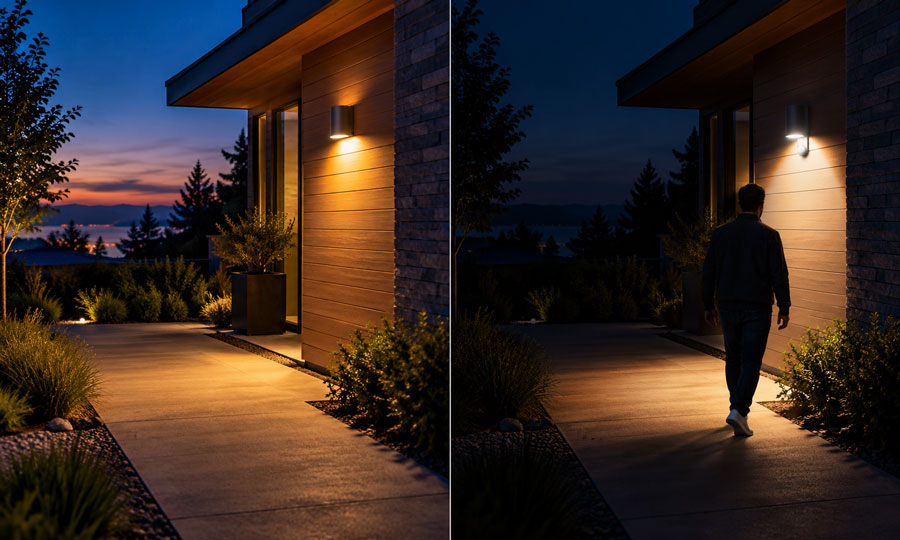
Photocell lighting suits areas that need consistent illumination after dark. Motion sensor lighting suits areas where light is needed mainly when someone approaches. Many outdoor fixtures combine both functions, allowing movement to activate the light only when the surroundings are dark enough.
Choosing the right control depends on how you use your entrance, driveway, garden, or walkway.
What Is a Photocell Light?
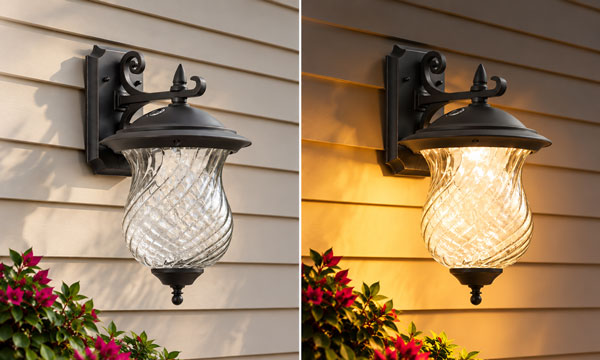
A photocell light is a lighting fixture controlled by a light-sensitive device, also called a photosensor or photocontrol. In a typical dusk-to-dawn system, the controller switches the light on when ambient illumination falls below its activation threshold and switches it off when sufficient daylight returns.
Pacific Northwest National Laboratory. (n.d.). Lighting controls for multifamily buildings. Building America Solution Center.
The photocell may be built into the fixture or installed separately to control connected lights.
Unlike a basic clock timer, a photocell responds to actual lighting conditions. Its switching time therefore changes as evenings become longer or shorter throughout the year.
A standalone photocell does not detect whether anyone is nearby. Once darkness activates the light, it generally remains on until daylight returns, unless another control changes the operating schedule.
This makes photocell control useful for entrance lighting, garden boundaries, and outdoor areas where steady nighttime visibility matters.
What Is a Motion Sensor Light?
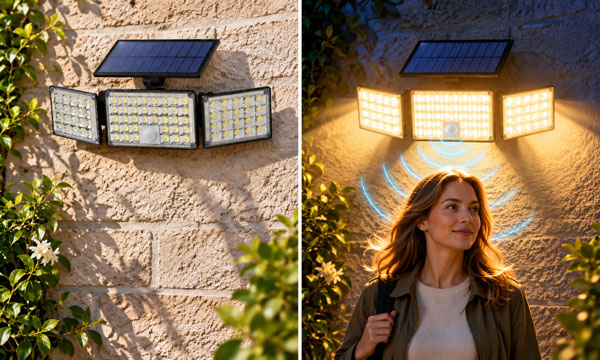
A motion sensor light activates when its sensor detects movement within a defined coverage area. After the last detected movement, the light normally remains on for an adjustable period before switching off or returning to a lower brightness.
Two common technologies are:
- Passive infrared, or PIR: Detects changes in infrared radiation as people or animals move through its sensing zones.
- Microwave or radar: Transmits electromagnetic signals and detects movement through changes in the reflected signal.
Radar is itself a type of motion sensing. Comparing PIR and radar sensing helps identify which technology fits the installation.
PIR sensors require a clear view of the detection area and can miss occupants who remain very still. Their effectiveness depends on positioning, movement direction, and the distance between the sensor and the person being detected.
Feagin, B., Jr., Poplawski, M., & Day, J. (2020). A review of existing test methods for occupancy sensors (PNNL-28847). Pacific Northwest National Laboratory.
Motion detection alone does not establish whether it is dark. Outdoor models with an integrated daylight sensor can prevent unnecessary activation during daylight hours.
Photocell vs. Motion Sensor Light: Key Differences
| Feature | Photocell Light | Motion Sensor Light |
|---|---|---|
| Main trigger | Changes in ambient light | Movement within the detection area |
| Typical operation | On after dark and off when daylight returns | On or brighter during activity, then off or dimmed after a delay |
| Response to an empty area | Usually continues operating while it is dark | Can reduce output when movement stops |
| Daytime operation | Normally switches off when sufficient light reaches the sensor | Requires daylight sensing or another control to prevent daytime activation |
| Main adjustment | Light activation threshold, if adjustable | Detection sensitivity, coverage, and hold time |
| Main advantage | Consistent nighttime illumination | Lighting that responds to activity |
| Main limitation | Can illuminate unused areas throughout the night | Can miss movement outside its coverage or time out around stationary occupants |
These differences describe the control functions. A single fixture can include both a photocell and a motion sensor.
Which Is Better for Different Outdoor Areas?
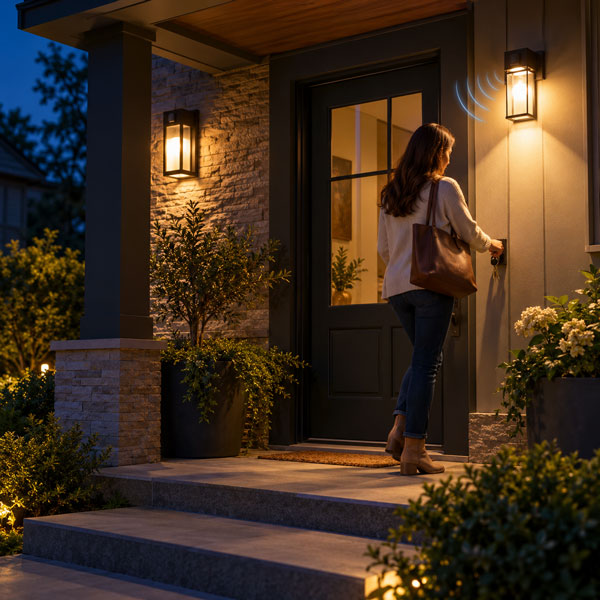
Front Entrances and Porches
Photocell lighting is useful when you want the entrance to remain visible throughout the night. It provides a steady view of the doorway without requiring someone to enter a detection zone first.
Motion sensor lighting is useful when you mainly need illumination while arriving, finding keys, or receiving visitors. Outdoor motion-activated lighting is commonly used around building entrances and parking areas for convenience and visibility.
For an entrance that needs both background lighting and brighter arrival lighting, a combined system is worth considering.
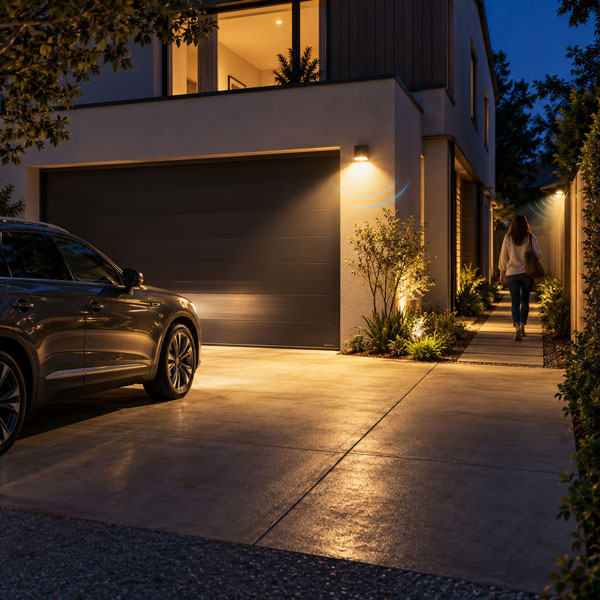
Driveways, Side Passages, and Garage Approaches
Motion sensing often fits spaces used briefly or irregularly. The light can illuminate the area during an arrival or departure, then switch off after the hold time expires.
Coverage matters more than the advertised maximum detection distance. A long driveway may have several approach directions, while a narrow side passage may contain corners that one sensor cannot cover.
Assess where people actually walk and where vehicles enter before deciding how many sensors are needed.
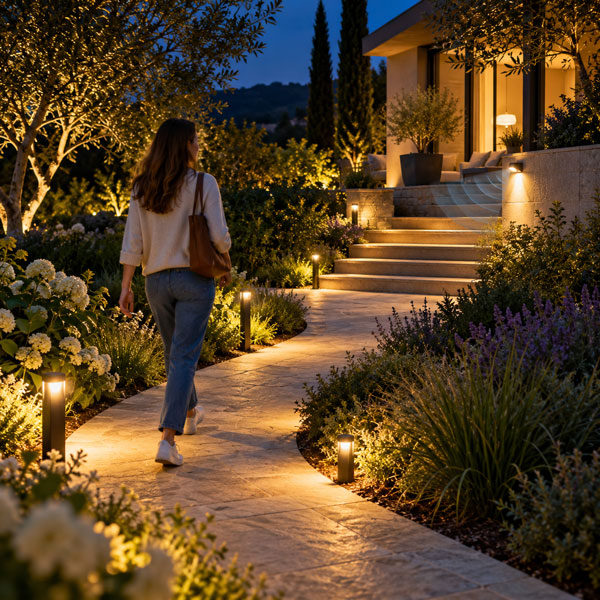
Garden Paths and Steps
Steady lighting can make changes in level and the route ahead visible before a person reaches them. Where continuous visibility is important, photocell control or a dim background level may be more suitable than complete darkness between activations.
Motion-only lighting needs careful testing in these locations. The sensor should activate the lights before someone reaches the first step or other obstacle.
The appropriate choice depends on the route, surrounding darkness, and how reliably the sensor covers every approach.

Patios and Decorative Garden Lighting
People sitting on a patio may move too little to keep a basic motion sensor active. For extended evening use, scheduled lighting or photocell control can provide a more comfortable experience.
Decorative lighting also serves a different purpose from arrival lighting. A tree spotlight or wall accent may be intended to remain visible even when nobody walks nearby.
If these lights only need to operate during the evening, a landscape lighting timer can provide an earlier shutoff instead of leaving them on until dawn.
Which Uses Less Electricity?
Motion sensor lighting can use less electricity than dusk-to-dawn lighting when it significantly reduces operating hours. The difference becomes smaller in a busy area where repeated movement keeps the lights activated.
Lee, K., Donnelly, S., Phillips, G., & Panzo, N. (2024). 2020 U.S. lighting market characterization. U.S. Department of Energy.
For energy-efficient outdoor lighting, compare fixture wattage, operating hours, and any power consumed while the light is off or dimmed.
A simple calculation is:
Energy use in kWh = Power in watts × Operating hours ÷ 1,000
Consider a hypothetical 20-watt LED light during a 12-hour night:
| Operating Arrangement | Assumed Operation | Lighting Energy per Night |
|---|---|---|
| Photocell only | 20 W for 12 hours | 0.24 kWh |
| Motion control with daylight inhibition | 20 W for a total of 2 hours | 0.04 kWh |
| Combined control with standby dimming | 20 W for 2 hours, plus 4 W for 10 hours | 0.08 kWh |
These are calculated examples, not expected savings for every installation. They exclude separate sensor consumption, transformer losses, and other standby loads. The dimmed example assumes an actual power draw of 4 watts; a percentage brightness setting does not necessarily produce the same percentage reduction in power.
A photocell primarily prevents unnecessary daytime operation. Motion sensing can reduce nighttime operation as well. The practical benefit depends on how often the space is used and how the controls are configured.
Can Photocell and Motion Sensors Work Together?
Yes. Combining daylight sensing with motion detection allows a lighting system to respond to both darkness and activity.
Two arrangements are particularly useful.
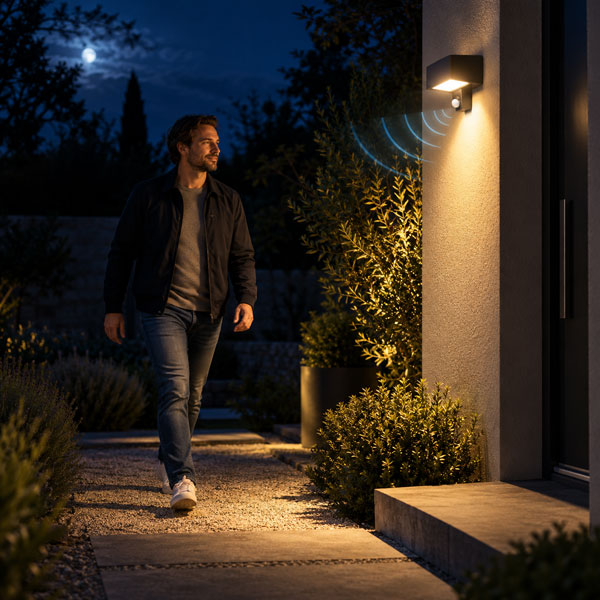
Nighttime Motion Activation
The photocell prevents normal motion activation when sufficient daylight is available. After dark, detected movement switches the light on. Once movement stops and the hold time expires, the light switches off.
This arrangement suits areas where darkness between visits is acceptable.
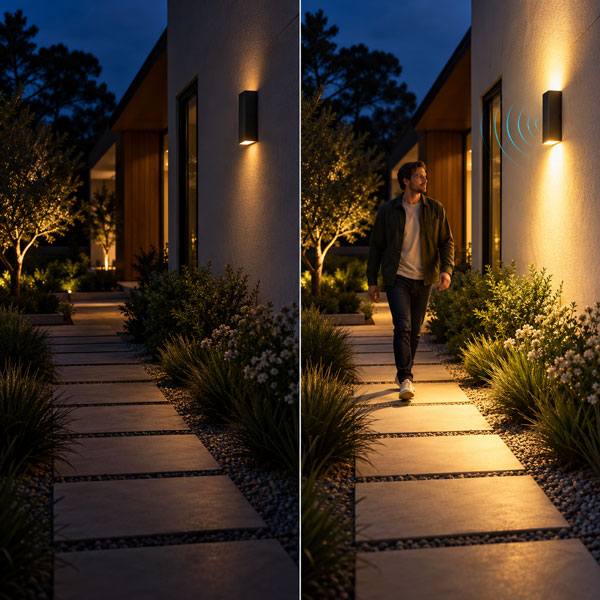
Background Lighting with a Motion Boost
The fixture operates at a lower background level after dark. Movement raises it to a brighter level, and the controller returns it to the background setting after a delay.
Commercial lighting controls are available with integrated daylight sensing, adjustable hold times, and motion-activated dimming.
This approach can preserve some visibility while reducing the time spent at full output. The background level should be selected for the actual space rather than chosen solely to minimize electricity use.
Before selecting this arrangement, confirm whether the fixture supports dimming. The LED light source, driver, and control must support compatible dimming methods.
Kelly, J., Taylor, R., & Blitzer, D. (2022). Selecting lighting control systems (PNNL-SA-180668). Pacific Northwest National Laboratory.
What Should You Check Before Buying?
Match the Control to the Lighting Task
Start by deciding whether the area needs continuous illumination, light only during visits, or a combination of background and brighter task lighting.
A sensor with more features will not necessarily provide a better result if its operating mode does not match the space.
Confirm Electrical Compatibility
Check the supply voltage and the control’s permitted load type. An existing sensor rated for a different lamp technology should not automatically be reused with LEDs.
LED drivers can produce high startup currents, so an appropriate LED load rating matters alongside the fixture’s normal wattage. Review the specifications for the exact photocontrol and connected lighting equipment.
Check Coverage and Mounting Requirements
For motion sensing, review the detection pattern at the intended mounting height. Test approaches from each direction, including the nearest point below the sensor.
For photocell control, choose a position that can measure representative outdoor daylight rather than assuming every mounting location will produce the same switching behavior.
Choose Suitable Outdoor Protection
The sensor, fixture, connections, and enclosure must suit their exposure to rain, dust, and temperature changes.
Understanding IP44 and IP65 ratings helps compare protection levels. The required rating depends on the installation location, and an IP rating alone does not establish suitability for every outdoor environment.
International Electrotechnical Commission. (2013). Degrees of protection provided by enclosures (IP Code) (IEC Standard No. 60529:1989+AMD1:1999+AMD2:2013 CSV).
Allow Enough Time for Normal Use
Set the motion hold time around the task. Walking through a passage, unloading a vehicle, and spending time near an entrance require different durations.
After installation, check the system after dark. Confirm that the lighting activates early enough and remains available for the full activity.
FAQs
1. Why Does My Photocell Light Keep Turning On and Off at Night?
One common cause is light feedback. The fixture illuminates the photocell, causing the controller to switch off. Darkness then returns, so the light switches on again.
Nearby lighting or reflected light can produce a similar effect. Correct positioning or manufacturer-approved shielding can help the photocell measure daylight without being dominated by the controlled fixture. Persistent cycling may require an electrical inspection.
2. Why Does My Motion Sensor Light Turn On When Nobody Is There?
The sensor may be detecting activity you have not noticed. Animals, movement beyond the intended coverage area, or environmental interference can trigger some sensors.
The cause depends on the technology. Certain radar sensors can detect movement beyond thin partitions, while PIR sensors respond to changing infrared conditions within their view. Adjust the detection area and sensitivity according to the product instructions, then test one change at a time.
3. Can a PIR Motion Sensor Detect Movement Through Glass?
A typical PIR sensor cannot reliably detect a person through ordinary window glass. Glass blocks the thermal infrared radiation the sensor uses, even though the person remains visible to your eyes.
Some microwave sensors can detect movement through glass or certain lightweight materials. This capability depends on the sensor and the barrier, so a PIR unit should not be installed behind a window when it needs to detect people outside.
4. Can I Keep a Motion Sensor Light On Continuously?
Some fixtures offer a manual override or continuous-light mode. The override may operate for a limited period before the fixture automatically returns to sensor control.
Availability and activation methods vary. Check the instructions for the exact model rather than assuming that rapidly switching the power will enable a continuous mode. A fixture without a supported override may require a different control arrangement.
5. Do Dusk-to-Dawn Lights Need Sunlight to Charge?
Dusk-to-dawn describes how a light is controlled, not how it receives power. A mains-powered dusk-to-dawn light uses electricity from its supply and does not need sunlight for charging.
Solar-powered models use a solar panel to charge a battery. In solar pathway lights, daylight detection controls when illumination begins, while the panel and battery determine how much stored energy is available. Solar fixtures may also include motion sensing.