


Why LED Lights Can Flicker When Dimmed
Common Reasons a Dimmer Switch Causes Flickering
What the Flickering Pattern Can Tell You
How to Fix Lights That Flicker on a Dimmer
What About Outdoor and Landscape Lights?
FAQ
A dimmer switch can cause lights to flicker when its electrical output does not match the requirements of the connected bulbs or LED drivers. Common causes include incompatible components, a minimum brightness setting that is too low, and a lighting load outside the dimmer’s supported range.
However, flickering does not automatically mean the dimmer needs replacing. A loose bulb, faulty connection, or supply problem can produce similar symptoms. Noticing when the flicker happens is the first step toward finding the right solution.
Why LED Lights Can Flicker When Dimmed
Many wall dimmers adjust brightness by cutting portions of the alternating-current waveform. The LED driver must interpret that altered waveform while maintaining a suitable current through the LEDs.
Unlike an incandescent filament, which retains heat between electrical cycles, an LED responds quickly to changes in current. If its driver cannot maintain steady output under the selected dimming conditions, those changes can become visible as flickering.
This is why an LED can work normally on a standard switch but behave differently after a dimmer is installed. The performance depends on the combination of the light source, driver, dimmer, and operating level.
Common Reasons a Dimmer Switch Causes Flickering
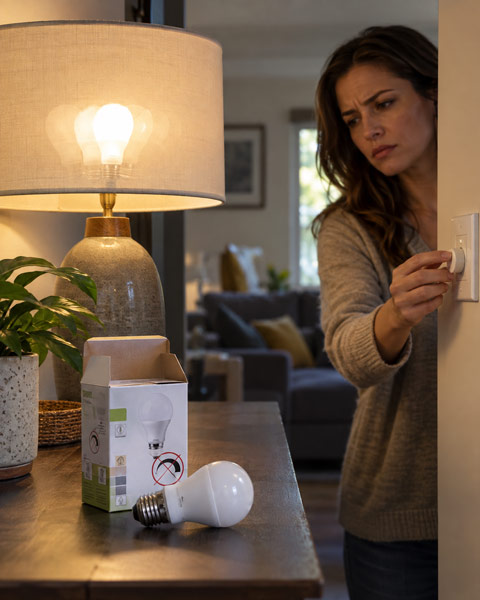
1. The LED Bulb Is Not Dimmable
Not every LED bulb supports dimming. A non-dimmable bulb may flash, behave erratically, or fail to adjust its brightness when connected to a dimmer.
Check the bulb’s packaging or technical specifications for an explicit dimmable rating. For integrated LED fixtures, check the fixture or driver documentation.
Even a dimmable label is only a starting point. It does not guarantee that the bulb will operate correctly with every dimmer. Confirm the exact bulb-and-dimmer pairing using the manufacturer’s compatibility information.
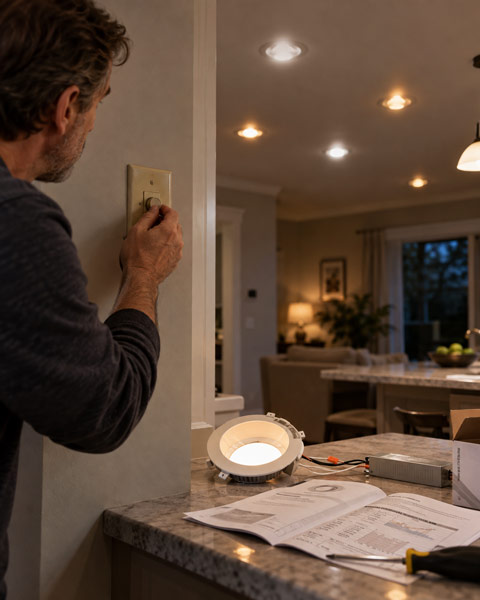
2. The Dimmer Uses an Incompatible Dimming Method
An older dimmer designed for incandescent lamps may not control LEDs reliably. There can also be differences between LED-compatible dimmers.
| Dimming type | What to check |
|---|---|
| Leading-edge, or forward-phase | The bulb or driver must support this method. |
| Trailing-edge, or reverse-phase | Often used with compatible electronic drivers and transformers. |
| 0–10V | Requires a compatible driver and the appropriate control wiring. |
A trailing-edge dimmer is not a universal solution for every LED. Select the control method specified for the fixture, driver, or transformer.
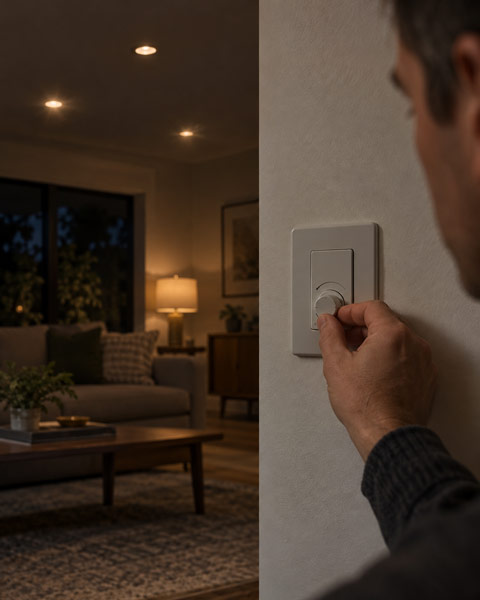
3. The Minimum Brightness Is Set Too Low
If the lights remain steady at medium and high brightness but flicker near the bottom of the dimming range, the dimmer may be asking them to operate below their stable output level.
Some dimmers provide a low-end trim adjustment that sets the minimum usable brightness. Raising that setting can prevent the control from entering the unstable range.
Follow the instructions for your specific dimmer. There is no single minimum percentage that works for every LED, and a dimmable light is not necessarily designed to dim smoothly all the way to zero.
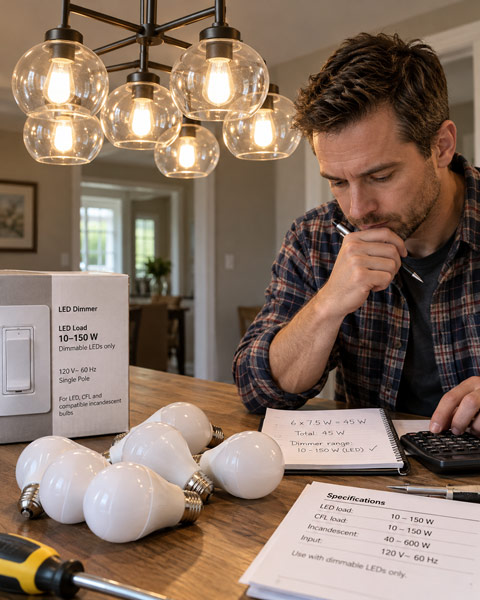
4. The Lighting Load Is Outside the Supported Range
LEDs draw less power than incandescent lamps, which can create problems with controls that require a particular minimum load. Exceeding the dimmer’s LED capacity can also cause unreliable operation.
Calculate the load using the bulbs’ actual power consumption, not their incandescent-equivalent brightness rating.
For example, six 8-watt LED bulbs use a combined 48 watts. Their “60-watt equivalent” labels do not make the load 360 watts.
Compare the result with the dimmer’s LED-specific rating and any tested lamp-count limits. An incandescent wattage rating cannot automatically be applied to LEDs because driver characteristics and current peaks also matter.
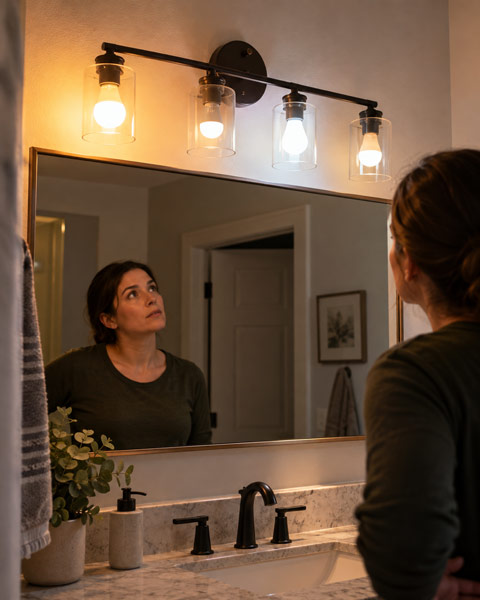
5. Different Bulbs Respond Differently to the Same Dimmer
Bulbs with similar brightness and wattage can contain different driver electronics. Mixing bulb models or lighting technologies on one dimmer can produce uneven startup, different dimming ranges, or inconsistent brightness.
Where practical, use the same compatible bulb model throughout a group. If the problem appeared immediately after replacing one bulb, compare its specifications with the remaining lamps before changing the dimmer.
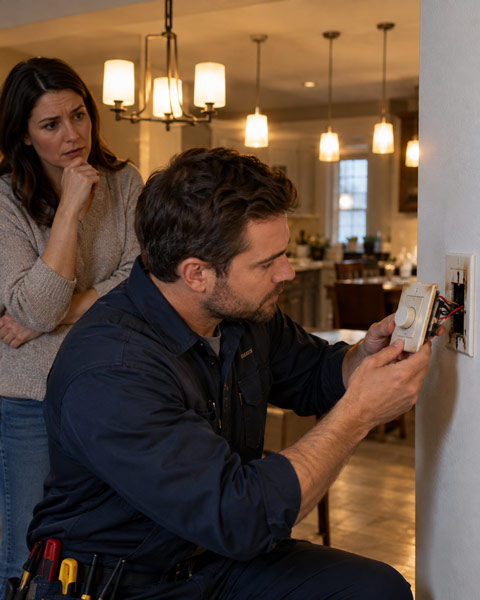
6. A Connection or Component Is Faulty
A loose bulb, deteriorating connection, or faulty dimmer can interrupt power and cause flickering at different brightness settings.
If only one replaceable bulb flickers, it makes sense to check that bulb first. If several lights fluctuate together, the shared control, wiring, or supply needs closer attention.
Burning smells, scorching, crackling, repeated breaker trips, or abnormal heat call for professional inspection. Stop using the affected lighting and switch off the circuit if you can do so safely. Do not remove switches or investigate live wiring.
What the Flickering Pattern Can Tell You
These patterns help prioritize checks, but they do not establish a diagnosis by themselves.
| Flickering pattern | Possible explanation | Useful next step |
|---|---|---|
| Only near minimum brightness | Low-end setting below the lamp’s stable range | Check the trim adjustment instructions. |
| Started after an LED replacement | Different driver behavior or incompatible bulbs | Verify the replacement model’s compatibility. |
| One bulb flickers while others remain steady | Bulb, socket, or local connection issue | Check a suitable replacement bulb with power off. |
| Every light on the dimmer flickers | Shared compatibility, load, control, or wiring problem | Review specifications, then arrange inspection if needed. |
| Lights in several rooms fluctuate together | A broader supply or connection issue | Contact an electrician; the utility may also need to investigate. |
Flickering that coincides with a large appliance starting may involve a voltage dip rather than a defective dimmer. Persistent or substantial changes across multiple rooms deserve investigation, especially if some lights become unusually bright while others dim.
How to Fix Lights That Flicker on a Dimmer
Step 1: Record When the Problem Happens
Observe whether the flicker affects one bulb or the whole group, which brightness levels trigger it, and whether it began after a lighting change.
These details help distinguish a low-end adjustment problem from something that needs component testing.
Step 2: Verify the Bulbs and Dimmer
Check that the lights are dimmable, that their required control method matches the dimmer, and that the exact models are listed as compatible where tested pairing information is available.
Avoid choosing a replacement solely because its packaging says “LED compatible.”
Step 3: Check an Individual Suspect Bulb
For an accessible, user-replaceable bulb, switch off power and let it cool before checking that it is seated correctly. Do not overtighten it.
A replacement should match the fixture’s voltage, base, wattage limits, and dimming requirements. Leave damaged sockets and integrated fixture repairs to a qualified professional.
Step 4: Adjust the Supported Dimming Range
If flickering occurs only at low brightness, use the documented trim procedure to raise the minimum level until operation is stable. Then check both startup and dimming across the usable range.
If adjustments require access to wiring or exposed electrical parts, have an electrician perform them.
Step 5: Have Unresolved Problems Diagnosed
If compatible bulbs and correct settings do not solve the issue, an electrician can check the dimmer, connections, and supply before deciding what needs replacing.
Replacing the dimmer can resolve a confirmed compatibility problem, but it will not repair a faulty connection elsewhere in the circuit.
What About Outdoor and Landscape Lights?
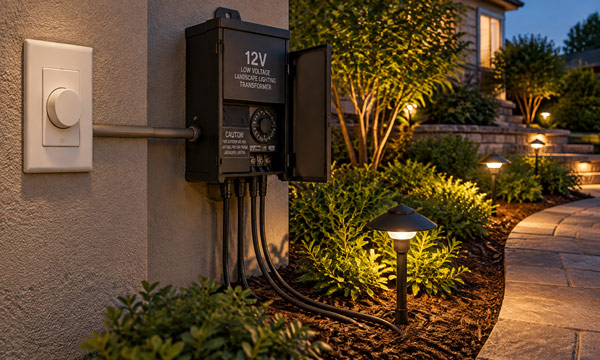
Outdoor lighting may include a transformer or separate driver between the dimmer and the fixtures. Every component in that chain must support the intended control method.
A 12V landscape lighting transformer is not automatically dimmable. Likewise, a dimmable lamp does not make a non-dimmable transformer suitable for a wall dimmer.
Check explicit dimming approval and the required transformer load type. A general LED rating on the dimmer is not enough to establish compatibility with magnetic or electronic low-voltage equipment.
For outdoor installations, troubleshooting flickering lights may also involve checking connections, cable condition, and transformer loading rather than focusing only on the wall control.
FAQs
1. Why Do LED Lights Flash After the Dimmer Is Turned Off?
Some electronic dimmers allow a small current to flow through the lighting circuit to power their internal components, even when the light appears to be switched off. Sensitive LED drivers may detect this current and respond with a faint glow or occasional flashing.
Using a tested compatible bulb or control device may correct the issue. Where wiring conditions allow, a neutral-wire dimmer can provide a separate power path for the electronics. Any wiring changes should be checked by a qualified electrician.
2. Can Smart Bulbs Be Used With a Regular Dimmer Switch?
Many smart bulbs require a constant, full-power supply and manage brightness through their own built-in electronics. A standard wall dimmer may interrupt that operation or cause unreliable performance unless the combination is specifically approved.
For compatible products, supported app or wireless controls can be used to dim LED lights without a dimmer switch. Always check the manufacturer’s instructions before combining smart bulbs with existing dimmers.
3. Can Two Dimmer Switches Control the Same Lights?
Only when the dimming system is specifically designed for multi-location control. Two standard dimmer switches should not be connected together as a replacement for a compatible control setup.
Some systems use one primary dimmer with companion switches, while others require proprietary controls. Follow the wiring requirements and compatibility information provided for the chosen product.
4. Why Do My Lights Flicker on a Phone Camera but Look Steady?
Camera sensors can detect rapid changes in light output that are not noticeable to human vision. The visible effect depends on the light’s modulation characteristics and the camera’s shutter speed, frame rate, and settings.
Flickering patterns in a video do not automatically confirm a faulty dimmer, while a smooth recording does not prove the light is completely flicker-free. Proper evaluation requires suitable testing equipment and measurements under the intended operating conditions.
5. Will an LED Bypass or Anti-Flicker Device Solve the Problem?
A manufacturer-approved bypass or load-correction device may solve certain low-load compatibility issues, but it is not a universal solution. It cannot convert a non-dimmable bulb into a dimmable product or correct damaged wiring.
Identify the actual cause before adding any device. If additional components are required, they should be selected and installed according to the manufacturer’s instructions or by a qualified electrician. Avoid improvised solutions such as adding resistors directly across the power supply.
