

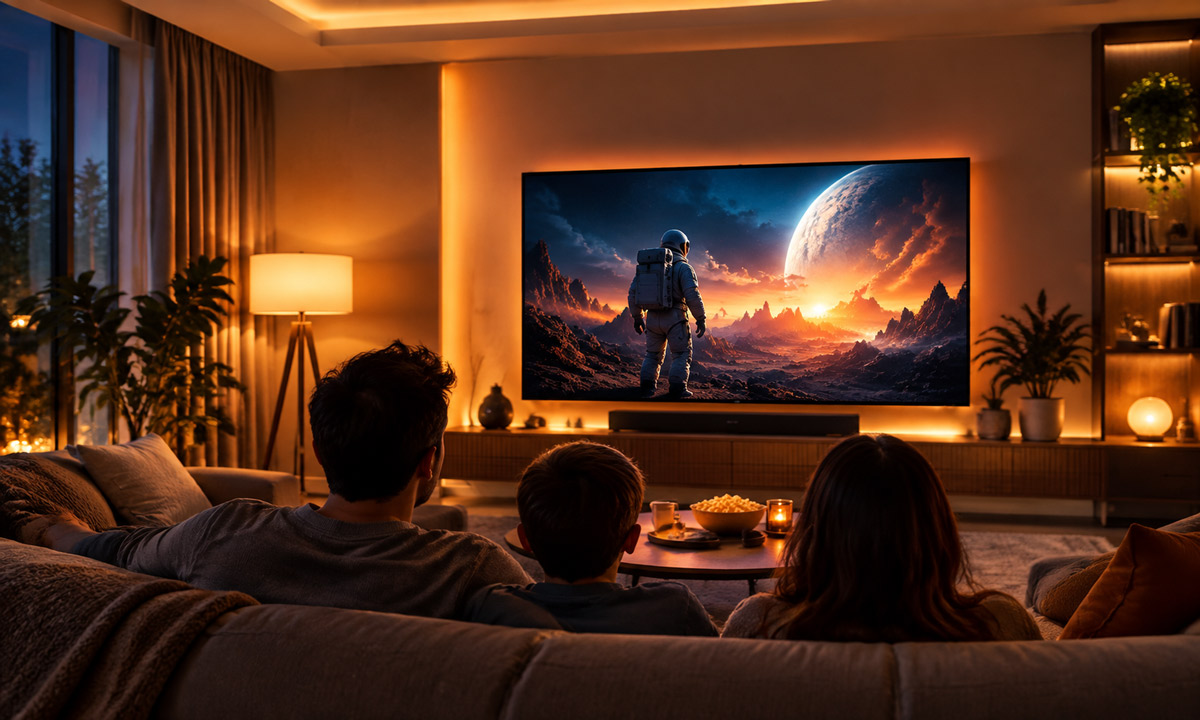
Start With Three Practical Lighting Zones
Position Lights by Checking the Screen
Choose Color Temperature for Each Job
Set Brightness From the Sofa
Adapt the Setup to Your Living Room
Create a Repeatable Movie Mode
FAQs
The best lighting setup for watching a movie combines a dim, steady light behind the TV, carefully placed room lighting, and control over window glare. Keep bright ceiling lights off during the film, hide exposed bulbs from view, and leave enough light to move around comfortably.
You do not need to turn your living room into a dedicated theater. Start with the lights you already own, check what reflects in the screen, and add equipment only when it solves a specific problem.
Start With Three Practical Lighting Zones
A living room needs to work before, during, and after a movie. Separate control over the TV wall, seating area, and walking route makes that transition easier. These are functional zones, not a requirement to buy three new fixtures.
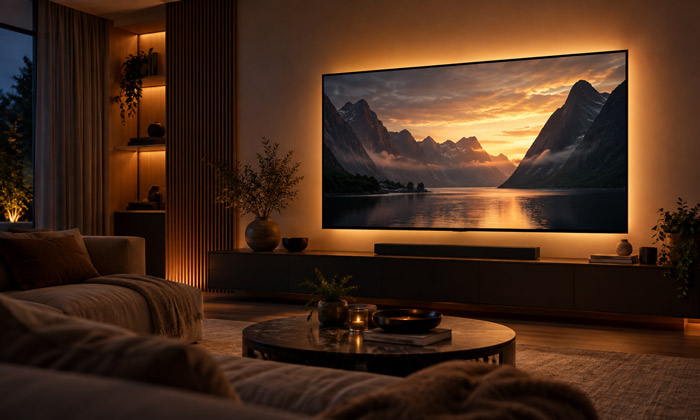
A soft glow behind the TV
Bias lighting illuminates the wall behind the television while keeping the light source out of sight. A dimmable strip designed for this purpose is a useful option. The result should be an unobtrusive background glow, with no individual LEDs visible from the sofa.
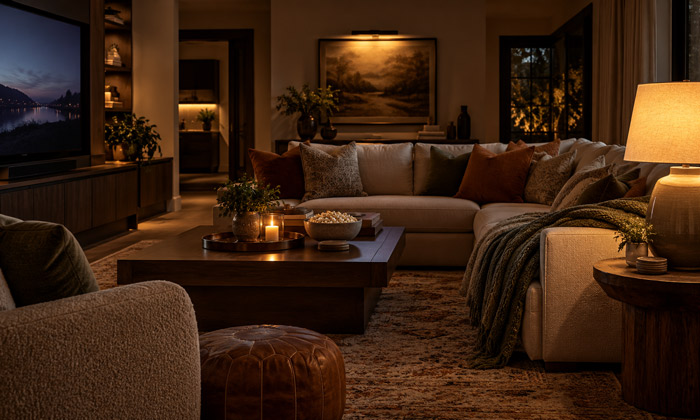
Gentle light around the seating
A shaded table lamp or an indirect floor lamp can provide enough light for snacks and conversation. If you prefer wall sconces for your living room, choose shielded designs that direct light toward a wall or floor. Check the effect from a seated position before deciding where to install them.
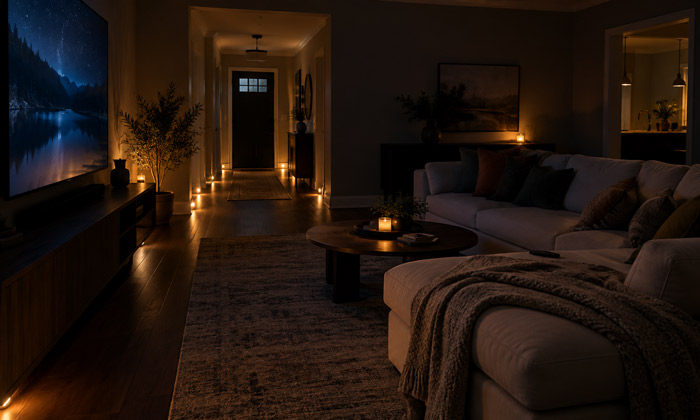
A visible route out of the room
Keep the route to the doorway easy to see. In some rooms, the seating lamp already does this job. Where it does not, a low-output light near the walkway can help without requiring the entire room to stay bright.
Position Lights by Checking the Screen
There is no single lamp position that works for every television and sofa arrangement. A lamp behind the couch may stay outside your direct view but still appear as a bright reflection on the screen.
With the TV off, sit where you normally watch and look for reflected bulbs, lampshades, windows, and lights from adjoining rooms. Switch off or move one source at a time. Repeat the check from the other seats, especially if you have a sectional sofa.
For a TV light strip, follow the mounting instructions and aim the light at the wall. Keep vents clear, conceal the emitters, and confirm that the power supply meets the strip specifications. If using a TV USB port, check its rated output and whether it remains powered in standby.
Close curtains or adjust blinds when windows create reflections. Adding more LEDs will not remove daylight glare, so deal with the window before buying another fixture.
Choose Color Temperature for Each Job
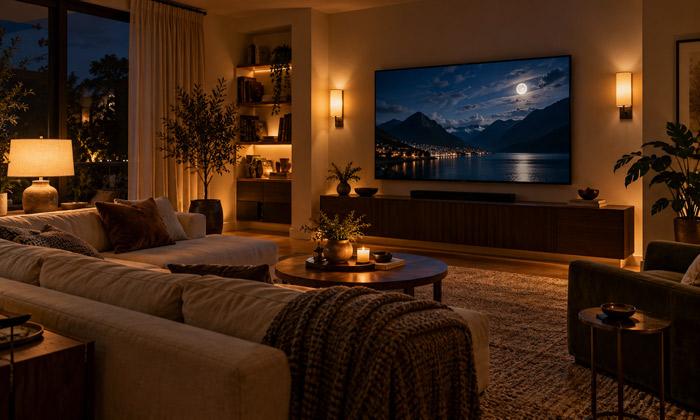
Warm white for the surrounding room
For lamps and sconces, 2700K to 3000K is a practical starting point when you want a warm living room atmosphere. Keep these lights low during playback. Their position and brightness matter just as much as their color temperature.
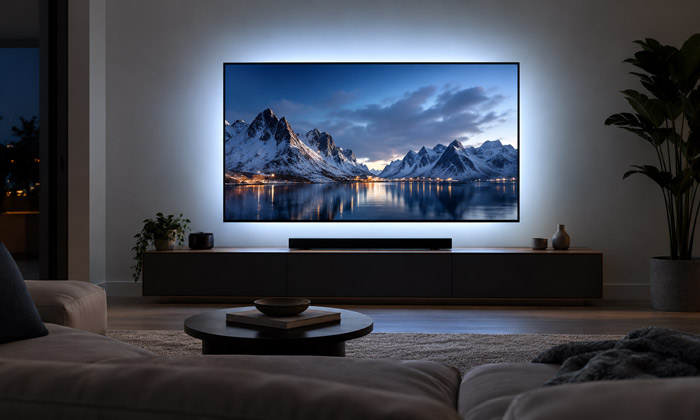
D65 white for color-conscious TV viewing
If preserving the intended appearance of screen colors is your priority, choose a purpose-built D65 bias light, approximately 6500K. D65 is the reference white used in video work. A generic strip labeled 6500K is not automatically an accurate D65 match.
D65.org. (n.d.). What is D65? Retrieved September 29, 2026.
The wall matters, too. Strongly colored paint can tint reflected light. A neutral surface is more suitable when color accuracy is the goal. Keep warm room lighting from dominating the area immediately around the screen.
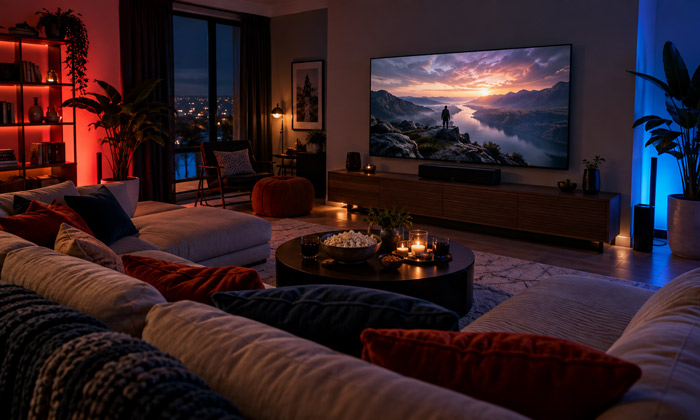
Colored lighting as an optional effect
Blue, red, and other colors can be fun for a themed movie night, but they are a preference rather than a viewing requirement. Screen-synchronized effects may appeal to some viewers and distract others. For a quieter presentation, use a steady setting and keep colored accents away from the TV wall.
Set Brightness From the Sofa
Start at the lowest usable setting, play a familiar dark scene, and increase the light only as needed. The screen should remain the visual focus, while furniture edges and the walking route remain visible.
Do not treat an app setting such as 10% as a universal lighting target. Different bulbs, strips, wall finishes, and room sizes produce different results at the same percentage. Likewise, a dimmer percentage does not measure the brightness of the wall relative to the screen.
Check three things before saving the setting. Can you see individual LEDs? Does the wall glow draw your attention away from the film? Has a reflection appeared in a dark part of the picture? If so, adjust the placement or reduce the output.
Choose lighting that remains stable at the low level you actually use. A fixture that flickers, buzzes, or switches off abruptly when dimmed needs a compatibility check between its lamp, driver, and dimming control.
Adapt the Setup to Your Living Room
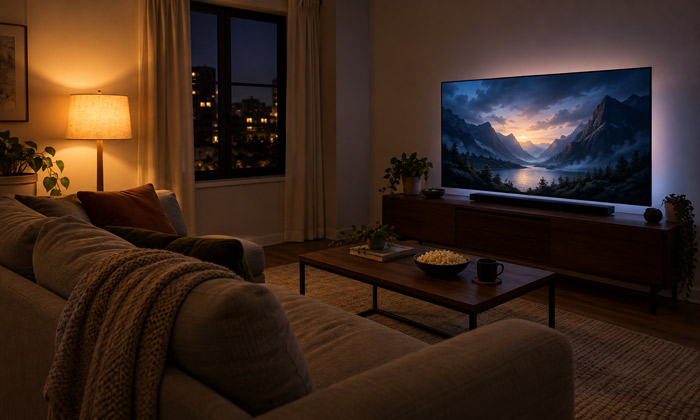
Small rooms and rental homes
Try one existing shaded lamp first. If the TV still feels visually isolated, consider a compact bias light. Avoid adding decorative strips around every edge of a small room, where multiple bright outlines can compete with the picture. Plug-in options also make it easier to test positions before committing to permanent installation.
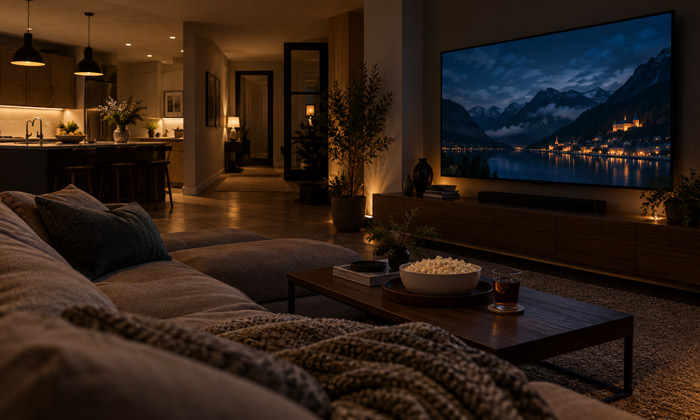
Open-plan living rooms
Inspect the kitchen and hallway from the sofa. A distant pendant may create more screen glare than a lamp beside you. Keep useful light where someone is working, while dimming or shielding the sources that spill into the viewing area.
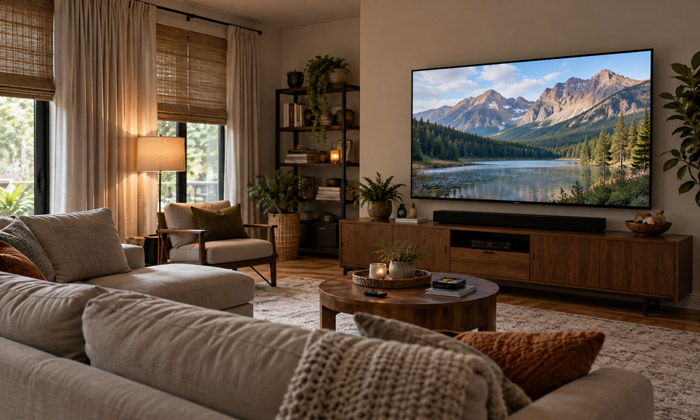
Daytime movie sessions
Reduce incoming daylight first. Test the curtains at the time you usually watch, since sunlight moves across the room. Once reflections are controlled, reassess the lighting rather than automatically copying your evening settings.
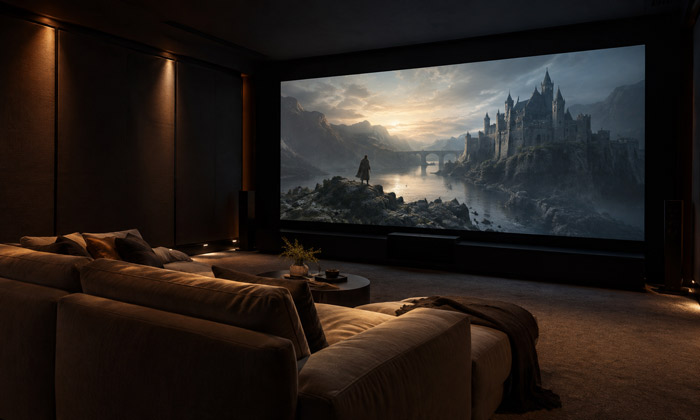
Rooms with a projector
Treat a projector screen differently from a television. Light falling onto the projection surface reduces image contrast, so prioritize controlling that spill. Keep any necessary walkway illumination low and directed away from the screen. Do not assume a TV backlighting arrangement will suit a projection system.
Create a Repeatable Movie Mode
Once you find a comfortable arrangement, make it easy to repeat. A smart scene is convenient, but a lamp remote or a simple sequence of switches can work just as well.
- Before the movie, close the curtains and switch off the lights that reflect in the screen.
- During playback, use the saved low lighting level and keep the walking route visible.
- For a break, raise the seating light enough to find drinks and move around.
- After the movie, return to normal room lighting.
Test the routine with everyone who normally uses the room. A setting that works from the center seat may expose a bulb to someone at the end of the sofa. Keep the controls easy to reach so small adjustments do not interrupt the evening.
FAQs
Should Every Light Be Turned Off During a Movie?
Not always. A low-level indirect light can provide comfortable background illumination while reducing eye strain in some viewing environments.
Choose a brightness level that suits your room and viewing preference, while keeping pathways and exits safely visible.
Are LED Strips Necessary for a Better Movie Lighting Setup?
No. Start by adjusting existing lamps, changing their position, or reducing brightness before adding new lighting products.
LED strips are useful when you want concealed lighting behind a TV, furniture, or other areas where traditional lamps cannot provide the desired effect.
Can One Lighting Setup Work for Both Movies and Reading?
Yes. A flexible setup can support both activities when reading lights have separate controls.
Direct reading light toward the book and minimize spill toward the screen or other viewers. Turn off or reduce the reading light when it is no longer needed.
What Should I Change First When Improving Movie Room Lighting on a Budget?
Start by removing the most noticeable sources of glare or reflection. Adjust curtains, switch off unused ceiling lights, or reposition existing lamps.
Testing changes with the same movie scene helps determine whether additional lighting upgrades are actually needed.
Where Should a Lamp Be Placed When Watching a Movie?
Place a shaded lamp beside the seating area and direct the light away from the screen.
Check the view from each seat to ensure the bulb and reflections are not visible. Adjust the lamp position and brightness until it creates a soft background glow without distracting from the movie.